


Elevate your reputation.
Expand your reach.
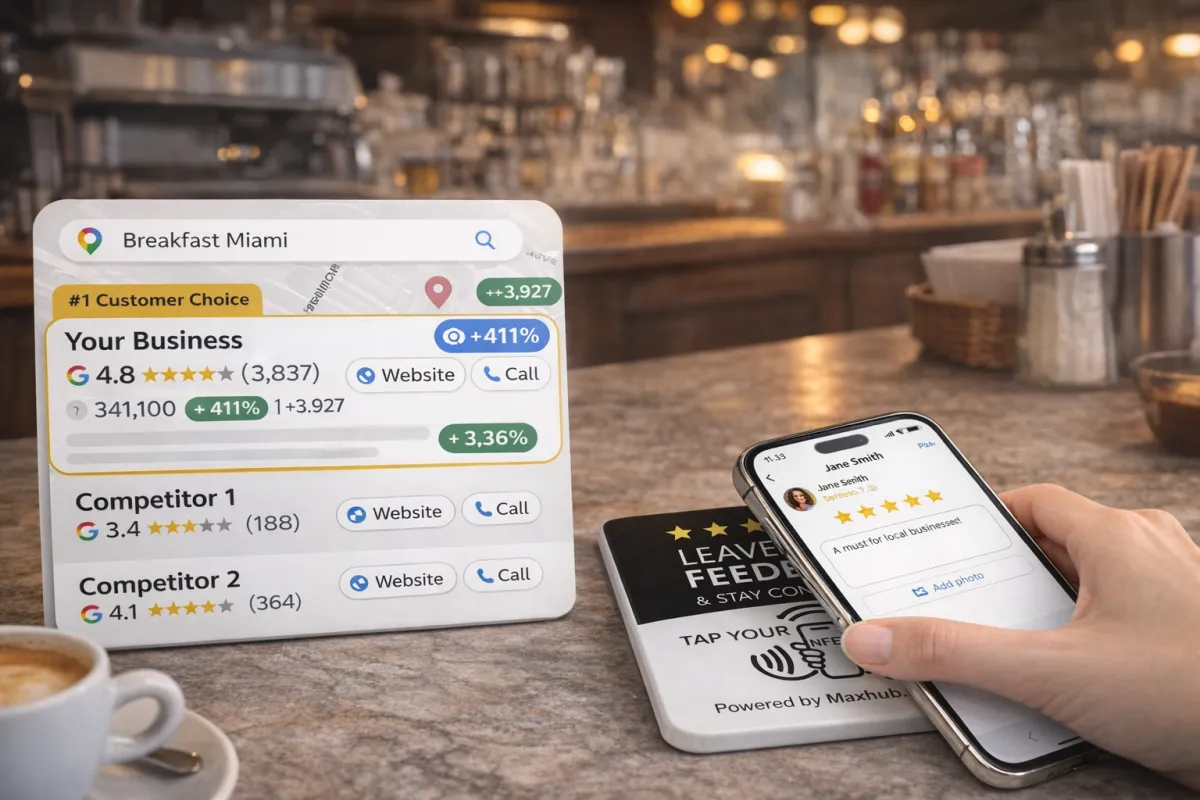
Get more reviews with MaxHub.Tap and attract more customers effortlessly.
Why MaxHub.AI QR
Simple. Verifiable. Local.
Customizable
Put all your important links in one place and grow your brand effortlessly. Increase your reviews, gain more followers, and strengthen your online presence instantly with a single powerful solution.
Easy to Use
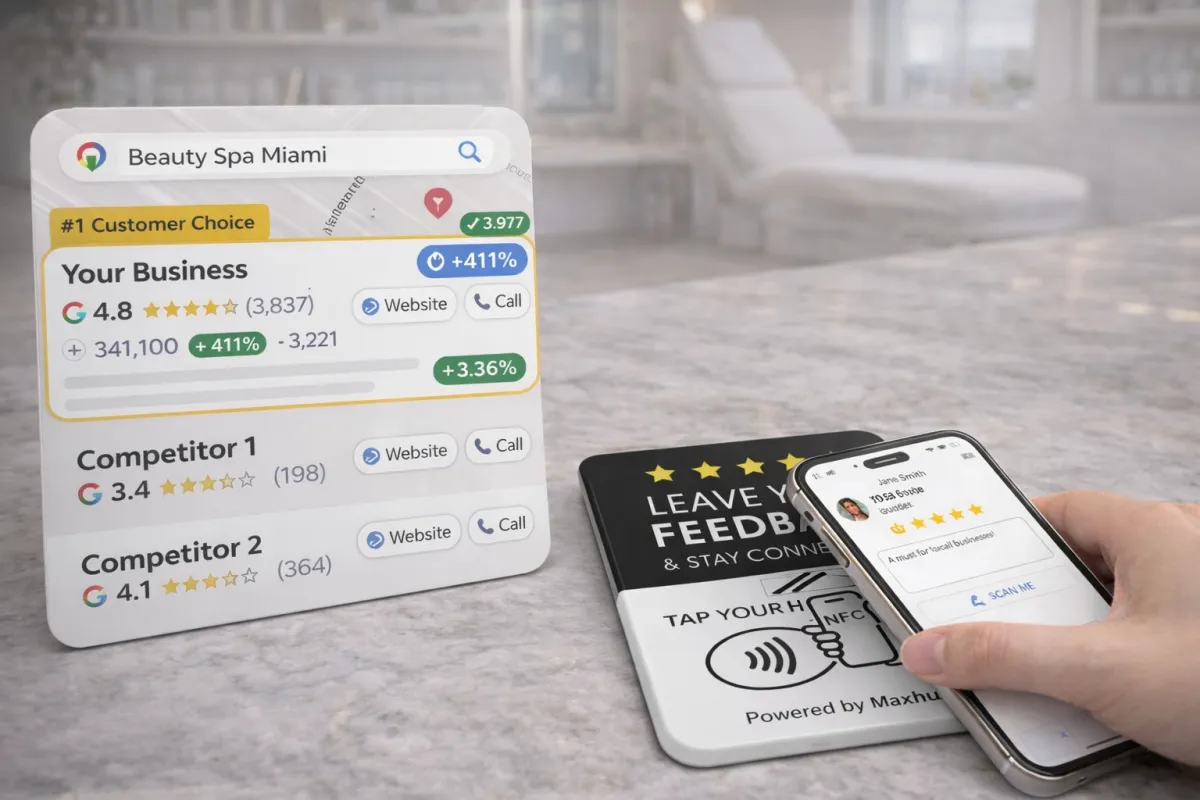
Customers can tap or scan a simple QR and leave a review—no downloads. Reduce friction and increase completed reviews from foot-traffic to online visibility.
Local Growth
Turn every in-store interaction into reputation-building opportunities. Boost local search rankings by collecting consistent, verified reviews from real customers.
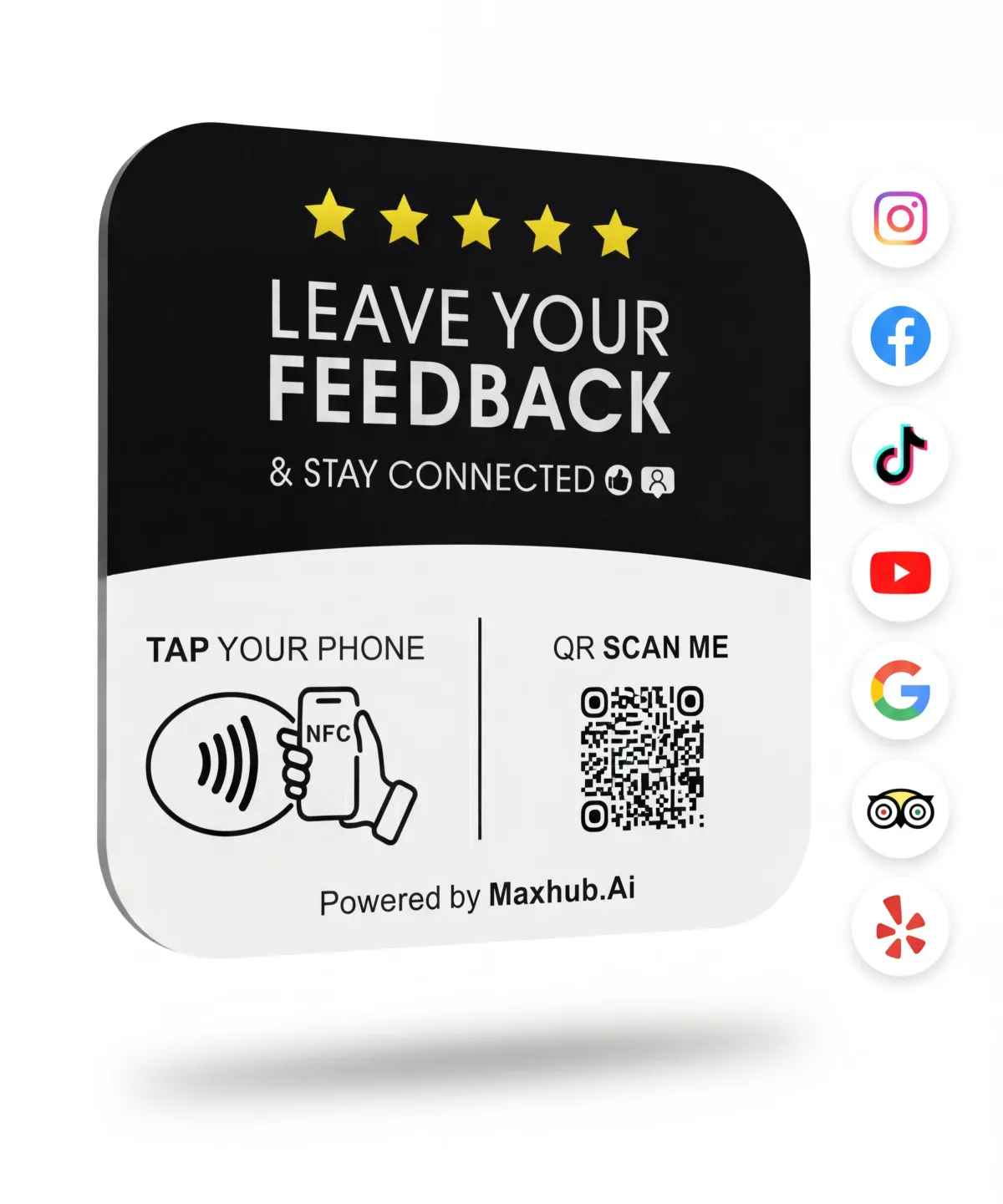
Reviews Should Be Easy.
Most businesses struggle with reviews because:
Customers forget once they leave
Asking for reviews may feel awkward for staff
Paper QR codes are ignored or look unprofessional
Paper signs get damaged, lost, or removed
Too many steps lead to a drop-off
Happy moments aren’t captured at the right time
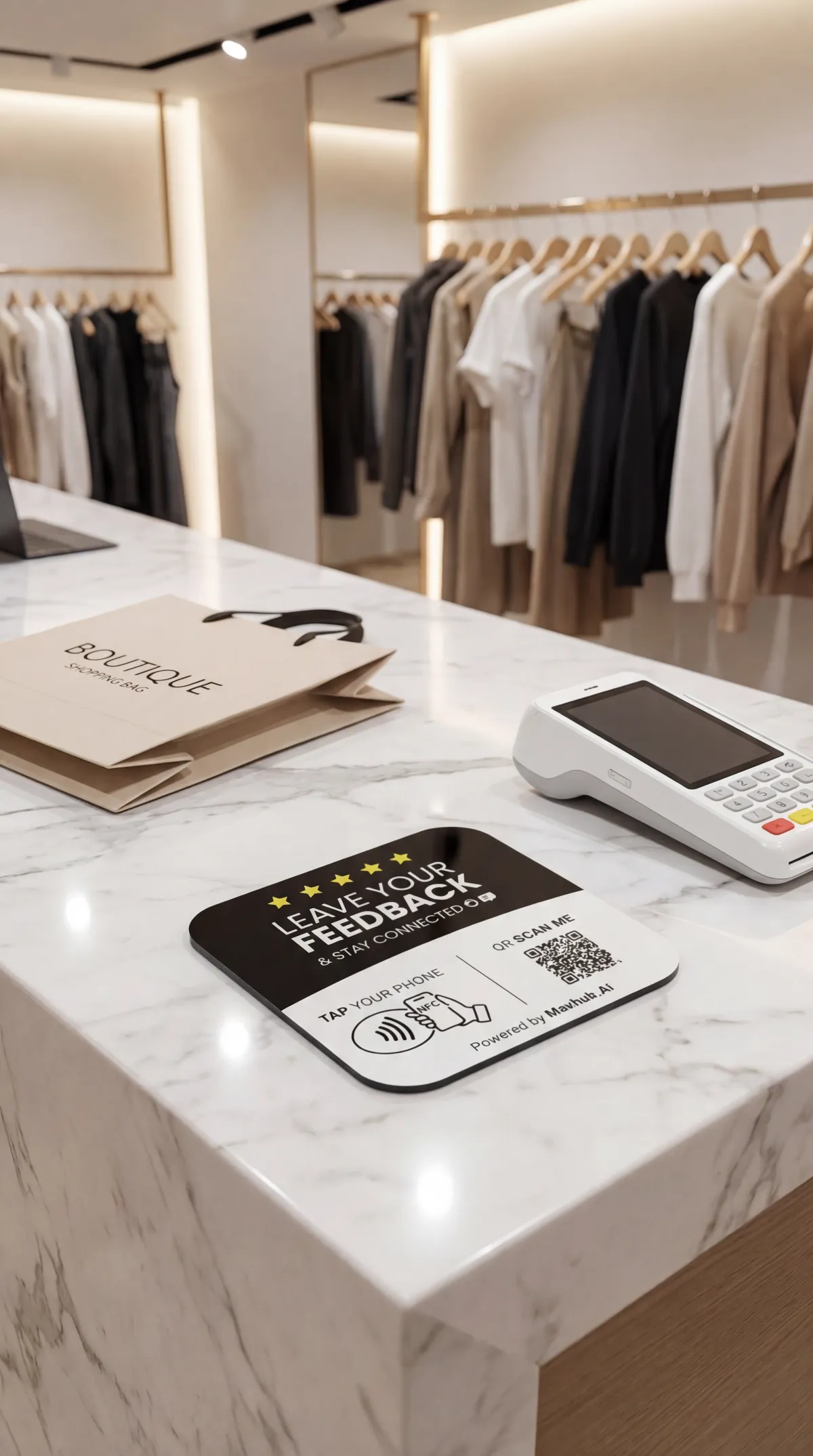
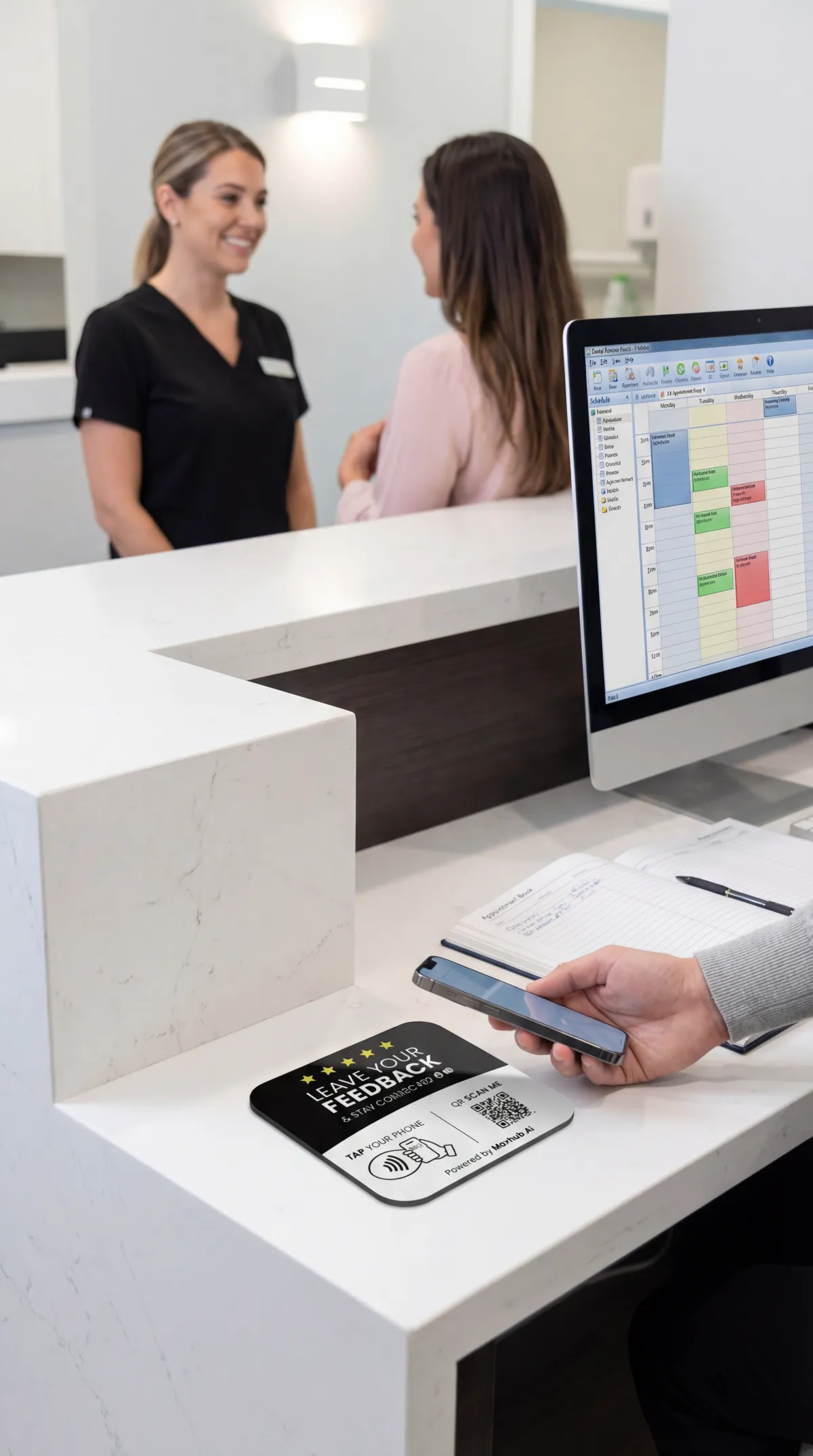
MaxTap makes the moment count — right at checkout, reception, or the front desk.
Get started in just 20 seconds after it arrives — quick, simple, and ready to use right away.
Three quick steps
Scan or Tap
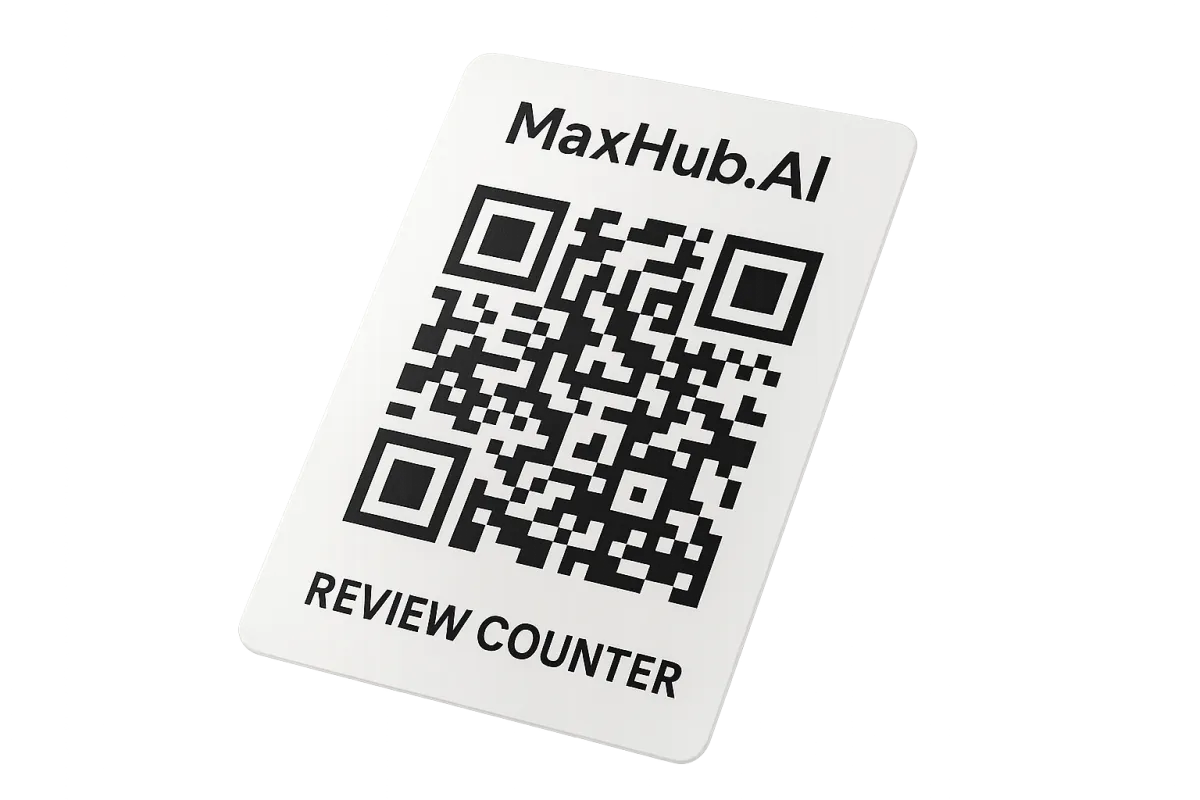
Tap or scan the QR Review Counter with your phone to claim the card for your business in minutes.
Peel & Stick
Simply peel and stick it somewhere visible to your clients for maximum exposure and engagement.
Go Live
Start collecting verified reviews immediately and stay connected with your social media channels — daily insights delivered.

How It Works
Step 1: Place it
Put MaxHub Tap on your counter or desk (stand or lay flat).
Step 2: Customers tap or scan
They tap their phone or scan the QR code — no app needed.
Step 3: They leave a review or connect
Send them to the exact page you choose: reviews, contact info, booking, website, or more.
Get More Reviews with a Simple Tap
Start collecting reviews today
MaxHub.Tap helps customers leave a review or connect with your business in seconds—via NFC tap or QR code scan.MaxHub.Tap helps customers leave a review or connect with your business in seconds—via NFC tap or QR code scan.
How Activation Works
Three quick steps
Scan & Claim
Scan the QR Review Counter code with your phone to claim the card for your business in minutes.
Customize
Choose which review sites you prefer, add a business profile, and set a friendly follow-up message — all in a few taps.
Go Live
Place the card where customers see it, and start collecting verified reviews immediately — daily insights delivered to your inbox.
Customer Success Stories
Real businesses, real results

We activated the QR Review Counter and saw a 62% increase in completed reviews in the first month — customers loved the instant QR flow and leaving feedback took seconds.
Maya Alvarez
Owner, Corner Bean Cafe

Activation was painless. We set preferred review sites, placed the card by the register, and customers started leaving detailed reviews the same day. Support answered our questions quickly.
Daniel Kim
Manager, Bright Cuts Salon
Trusted By Local Businesses
Numbers that matter
62%
Avg review lift
1,200+
Local businesses onboarded
4.7★
Average aggregated rating
24/7
Activation & support
Frequently Asked Questions
Does activation cost anything?
No. Activating your QR Review Counter card is free. Optional paid features are available later, but the basic activation and review collection are free to start.
Which review sites can I send customers to?
You can choose multiple platforms (Google, Facebook, Yelp where available). We guide you to prioritize the platforms that move your local search results most.
How long until I see reviews?
Many businesses see their first verified reviews within 24–72 hours after activation when the card is placed where customers scan it.
Activate Your QR Review Counter
Start collecting reviews today
Activate your MaxHub.AI QR Review Counter card in under two minutes. Generate trackable review invites, surface customer feedback, and grow your local reputation — no apps, no subscriptions, just one quick activation.
Ready to Activate
Start collecting verified reviews
Complete the activation form and we’ll email your unique registration link and onboarding checklist. Activate one card now and add more locations anytime.
We only use your contact details to complete activation and send onboarding emails.
Contact: [email protected] | +1-800-555-0199
© 2026 MaxHub.AI. All rights reserved.